
A game-based learning platform created by education professionals in line with the curriculum
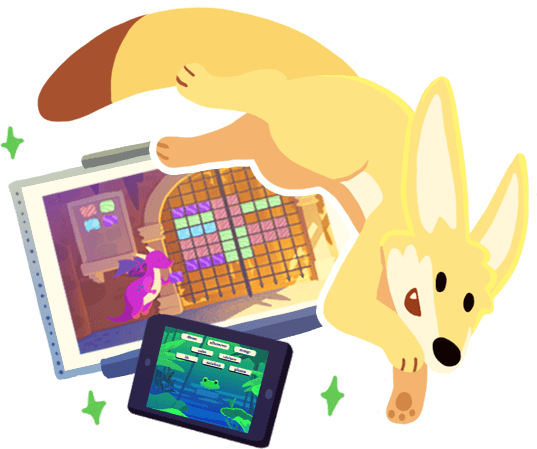
Teachers have access to many features through their dashboard:


In a matter of moments, create customized Alec games that meet your specific needs. Adapt the content in line with your teaching objectives to offer your students a tailor-made learning experience.
A simple and speedy tool that brings your ideas to life!
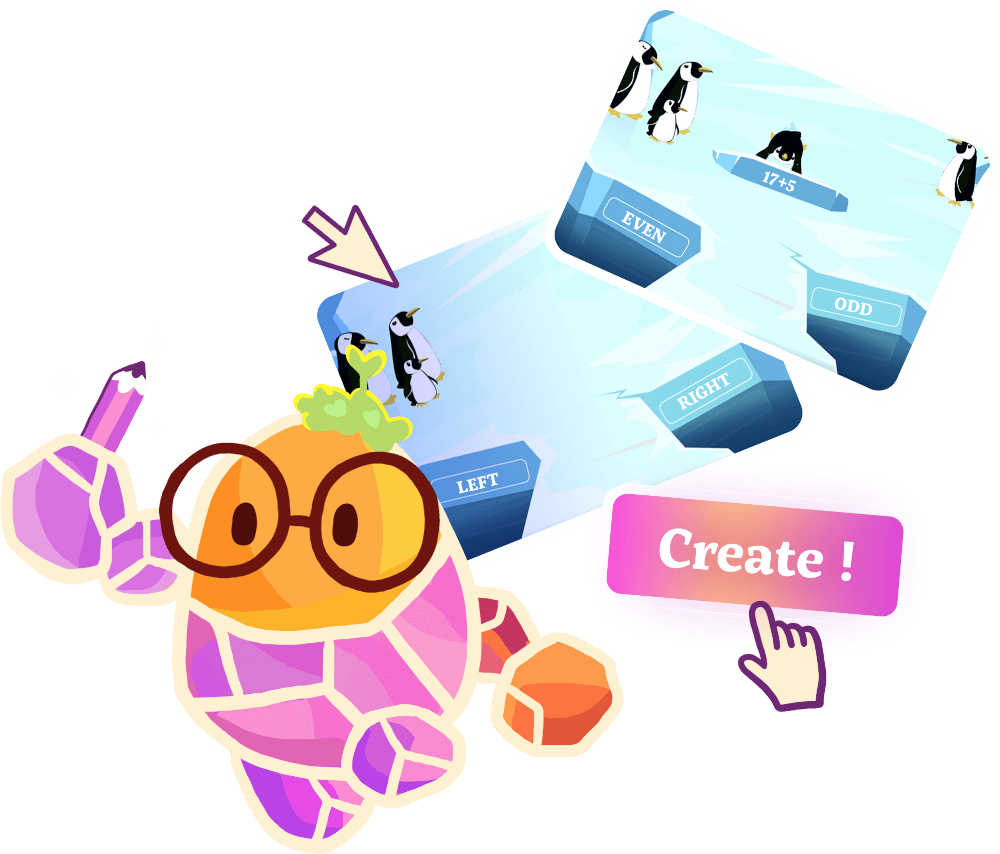

Alec features intuitive design and colorful animated lands. Accessibility features for each game make it easier for students to use the platform: choice of difficulty level, audio instructions, full-screen mode, and volume control. The games feature large-sized numbers, a rounded font, and neutral colors. Special education teachers love the platform. To see the learning objectives for each game and the topics covered, go to the catalog page.
View the catalog


Please complete the form below, and we will provide you with the plan that best meets your needs.